
1 (800) 722-6004
Have Questions? Call Toll Free:

TCP-Com is RS232 Serial to TCP/IP converter software (i.e., a Serial Server). You can easily interface serial ports directly to TCP/IP or UDP networks. TCP-Com can ALSO redirect Ethernet/IP data to real or “Virtual” RS232 serial ports. This allows you to use existing Windows-based serial RS232 communications software to send and receive data across any TCP/IP network.

TCP-Com software is extremely simple but powerful. It can be used to solve a wide variety of device interfacing and RS232 or TCP/IP conversion problems, such as the following:

  • Turn a PC into a Serial Device Server (Terminal Server).
  • Send or receive data over a TCP/IP port with any serial communications program.
  • Open COM ports located on another computer in your network as if they were local.
  • Use Ethernet network (or the Internet) as a giant serial RS232 cable (Serial Tunneling).
  • Use TCP-Com to feed data from one physical RS232 port to multiple RS232 serial communications applications.
  • Use TCP-Com to map a TCP/IP port to a different TCP/IP port.
  • Click here for more detail and demonstrations
 
Serial Device Server

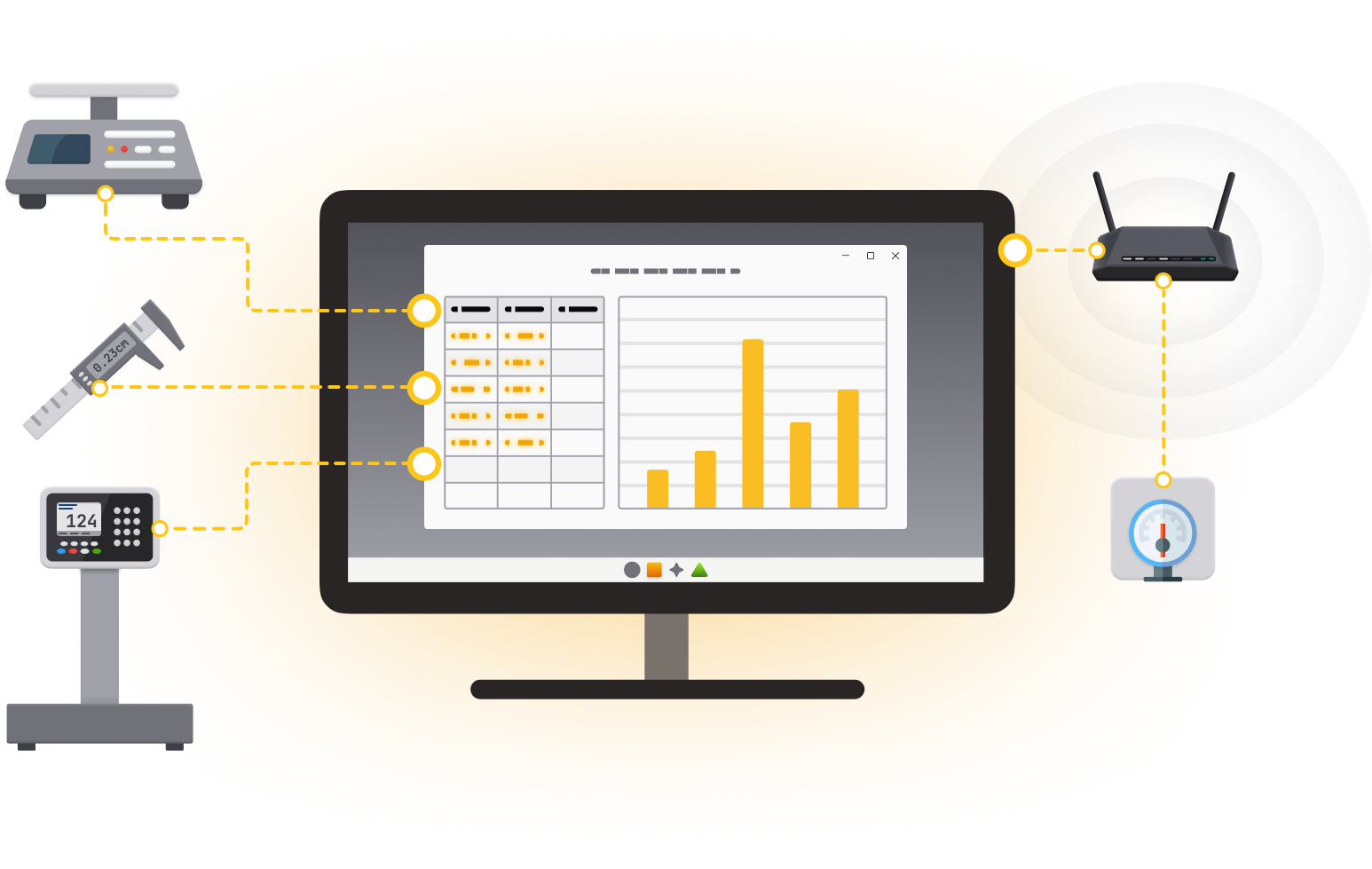
A Serial Device Server (Terminal Server) is a hardware device that connects a serial instrument (balance, meter, barcode scanner, PLC, etc.) to Ethernet and provides an I/O path to the device through an IP port. TCP-Com performs the same function as Serial Device Server except it is a software program that runs on any Windows PC and uses the serial ports installed in that PC (up to 256) and the PC's exiting TCP/IP network connection.

Read More

You can configure TCP-Com to open up to 256 serial ports at a time and associate each serial port to a different TCP/IP port either as a TCP/IP client or as a server. A hardware based Serial Device Server typically costs about $150 and provides only a single serial port. If you had 16 serial devices that you wanted to connect to a network, it would cost around $2400 for 16 serial device servers to do the job. You can purchase a new Windows PC with a built in network adapter for under $500. A 16 port serial adapter can also be purchased for around $500. For less than $1300, you can make your own 16-port serial device server using TCP-Com. Because TCP-Com can do its job in the background, you still have a PC that you can use for other tasks. Most hardware Serial Device Servers also only support a single TCP/IP connection at a time therefore TCP-Com has the added advantage that it will allow you to connect multiple clients to a single serial device. TCP-Com also has many advanced error recovery options that allow it to automatically recover from broken network connections making it much more fault-tolerant than most hardware Serial Device Servers on the market.

 
Virtual Serial Splitter Cable

If you have an RS232 device connected to a com port on your Windows PC you can only connect to that com port with one software application. If you need to communicate with that device (com port) from 2 Windows applications you would have to use a "splitter cable" to make the RS232 data come in on 2 separate com ports. This would also require you to purchase another com port.

Interestingly you can actually use TCP-Com to make the RS232 device data on the one com port apprear on as many virtual com ports as you need. In this way TCP-Com acts as Virtual Serial Splitter, or "Y", Cable and allows all your Windows serial communications applications to access a device on just one com port! See diagram, above, for how it works.


Other Common Uses for TCP-Com...

Intuitive Interface

In the TCP-Com window just select the com port number and the serial communications parameters for your serial device and enter an IP address and a socket number. Then activate! It's that easy! Com port data will appear at the IP address and data from an IP port will appear at a real or virtual com port.